JPG to BMP
Convert JPG images to BMP easily using our free online JPG to BMP converter tool at Image Toolz.




JPG to BMP Convert JPG Images to BMP Format
Not every platform accepts every image format. That's just the reality of working with images across different software, systems, and devices.
If you've ever been asked to submit a BMP file but only had a JPG, you already know how annoying that situation feels. This tool solves that problem quickly, cleanly, and without any cost.
What Is JPG to BMP?
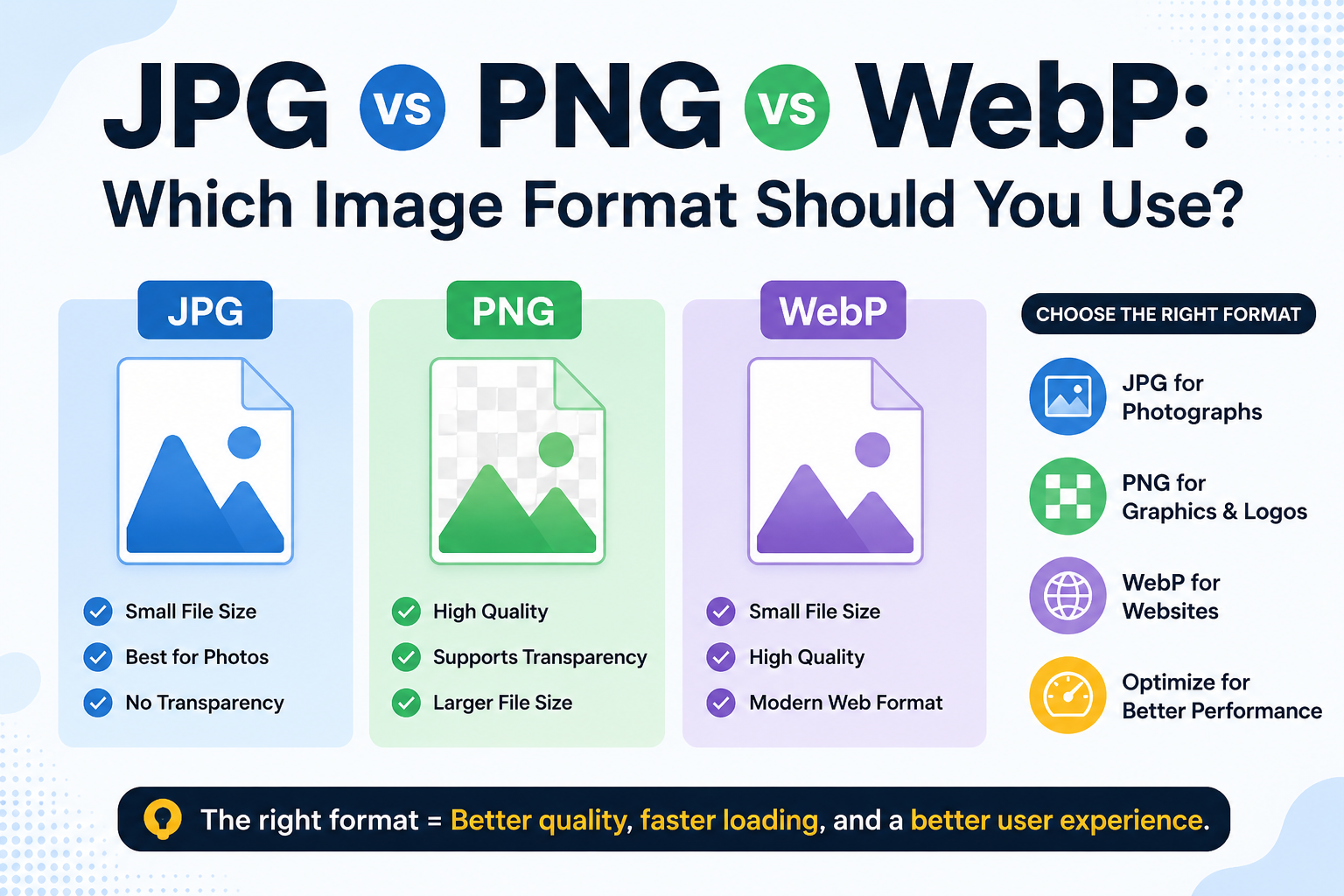
JPG is a popular image format that reduces file size using compression. It reduces file size by removing data that is largely invisible to the human eye. That makes JPG great for web use, sharing, and storage, but it does involve some quality trade-off.
BMP is a bitmap-based image format that stores image data with minimal or no compression. Every pixel is stored exactly as it is, no data removed, no quality lost. BMP files are larger than JPGs, but they carry full image data. This makes them the preferred choice for printing, image editing, and software that requires raw, unaltered image data.
A JPG to BMP converter takes your compressed JPG image and converts it into a full, uncompressed BMP file ready for use wherever raw image quality is required.
How to Use the JPG to BMP Tool
The process is straightforward. No technical knowledge required:
- Visit the JPG to BMP tool on Image Toolz at imagetoolz.online/jpg-to-bmp
- Click "Choose File" and select your JPG image from your device
- Or click "Use Remote URL" to paste a direct image link from the web
- Hit the "Convert" button
- Download your BMP file instantly
Use Cases of the JPG to BMP Tool
BMP files are not as common as JPG, but there are real situations where they are the only format that works:
- Printing and graphic design: Professional print workflows often require uncompressed image files. BMP preserves every detail without compression artifacts, which is exactly what high-quality printing demands.
- Software development and testing: Many desktop applications, legacy systems, and Windows-based programs read BMP natively. Developers frequently need BMP files for icons, splash screens, and UI assets.
- Image editing workflows: When editing images in tools that require raw pixel data, starting with a BMP file gives you more control and better results than working with a compressed JPG.
- Medical and scientific imaging: Some specialized software used in research and diagnostics only accepts uncompressed formats, such as BMP, to ensure data accuracy.
- Educational projects: Students working on graphics, computer science, or design assignments often need BMP files for coursework that involves pixel-level image processing.
Benefits of Using Our Tool
Converting JPG to BMP should be simple. This tool keeps it that way.
- Completely free: no payment, no upgrade prompts, no limits
- No sign-up required: open and convert immediately
- Remote URL support: convert images directly from a web link
- Fast and reliable: conversion completes in seconds
- Browser-based: works on any device, nothing to install
- Privacy protected: your files are deleted immediately after conversion
- Clean experience: no ads interrupting your workflow
FAQs
Will converting JPG to BMP improve image quality?
Converting to BMP prevents further quality loss, but it cannot recover data that was already lost during JPG compression.
Is there any file size I can upload?
Up to 5MB. If your JPG is large, resize or slightly compress it before converting.
Does the tool convert an image using a web link?
Yes. Use the "Use Remote URL" option, paste your image link, and convert directly, no download needed.
Is this tool safe to use for private images?
Yes. Files are not stored on any server after conversion. Your images stay private.
.png)
Image Toolz
CEO / Co-Founder
I am a software engineer, web developer, and Google AdSense expert with two years of experience. I created a free image tools website to provide easy and accessible image tools for everyone.
Popular Tools
Recent Posts