PNG to GIF
Change your PNG images into GIF format using our free online PNG to GIF tool at Image Toolz.



What Is PNG to GIF?
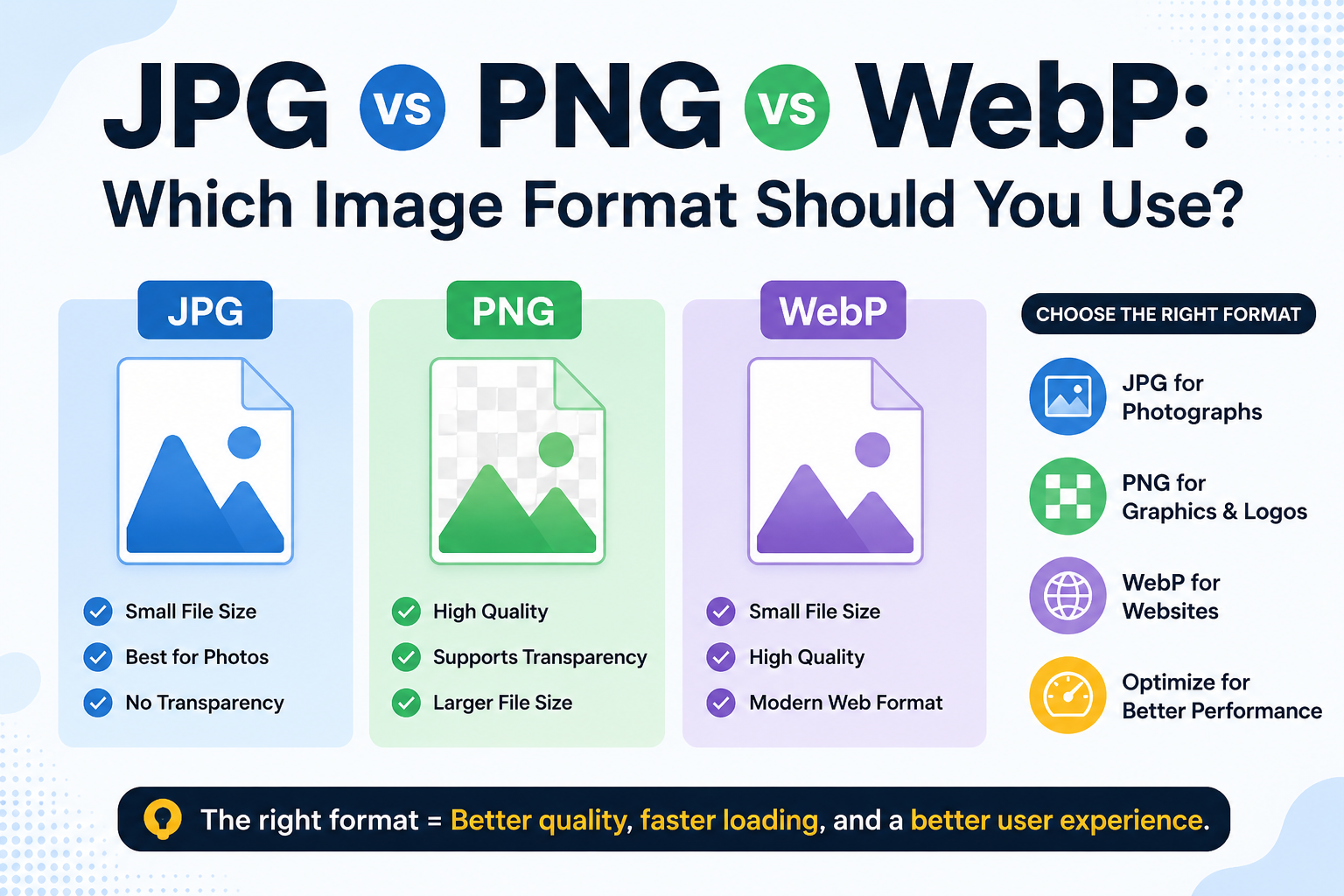
PNG and GIF are both image formats, but they serve different purposes.
PNG (Portable Network Graphics) is known for its high quality and support for transparency. It's ideal for logos, screenshots, and detailed graphics. But PNG files can be heavy, and not every platform handles them the same way.
GIF (Graphics Interchange Format) is lighter, widely supported, and works smoothly across almost every website, messaging app, and platform you can think of. GIFs also support simple animations, which makes them a popular choice for social media, presentations, and web content.
A PNG-to-GIF converter does one thing really well. It takes your PNG file and transforms it into a GIF quickly, cleanly, and without forcing you to install anything.
How to Use the PNG to GIF Tool
No technical skills needed. The process is straightforward:
- Open the PNG to GIF tool on Image Toolz
- Click "Choose File" and select your PNG image, or paste a remote URL directly
- Click the "Convert" button
- Wait a few seconds while the tool processes your file
- Download your converted GIF image
Use Cases of PNG to GIF Tool
Converting PNG to GIF isn't just a technical task. There are real, everyday reasons people need this.
- Social media content: GIFs perform well on Twitter, Reddit, and messaging platforms. If you have a PNG graphic you want to share as a GIF, this tool handles it instantly.
- Website optimization: GIF files are generally lighter and load faster in certain use cases. Switching a static PNG to GIF can help reduce page load time for simpler graphics.
- Presentations and documents: Some tools and platforms accept GIF but not PNG. Converting your image means no more format rejection errors.
- Messaging and stickers: WhatsApp, Telegram, and similar apps handle GIFs natively. Converting your PNG images to GIF makes them easier to share in chats.
- Developers and designers: When building web projects, having your assets in the right format matters. A quick PNG-to-GIF conversion saves time during production.
Benefits of Using Our Tool
There are plenty of converters online. But most of them come with limits, ads, or hidden steps that slow you down. This tool is built differently.
- Completely free: no payment, no trial, no upgrade prompt
- No installation needed: runs entirely in your browser
- Remote URL support: convert images directly from a web link
- Simple one-click conversion: no settings, no confusion
- Fast processing: your GIF is ready in seconds
- No sign-up required: open and use immediately
- Privacy safe: your files are not stored after conversion
Honestly, the best converter is the one that gets out of your way. You have a PNG. You need a GIF. This tool makes that happen, no drama, no detours.
FAQs
What is the maximum file size allowed?
Upload PNG files up to 5MB. For larger files, try resizing or compressing your PNG first before converting.
Can I convert an image from a website without downloading it?
Yes. Use the "Use Remote URL" option, paste the image link, and convert directly.
Is our tool free or paid?
Yes, 100% free. No hidden charges, no subscription required.
Are my uploaded files stored on the server?
No. Your files are processed and immediately discarded. Nothing is saved.
.png)
Image Toolz
CEO / Co-Founder
I am a software engineer, web developer, and Google AdSense expert with two years of experience. I created a free image tools website to provide easy and accessible image tools for everyone.
Popular Tools
Recent Posts