JPG to GIF
Convert JPG images into a GIF format using our free online JPG to GIF converter tool at Image Toolz.



JPG to GIF Convert JPG Images to GIF Format
There are moments when a JPG just doesn't cut it. Maybe you're building a simple web graphic. Maybe the platform you're uploading to handles GIF better.
Or maybe you need a lighter, more compatible format for what you're working on. Whatever the reason, converting JPG to GIF shouldn't take more than a few seconds, and with this tool, it doesn't.
What Is JPG to GIF?
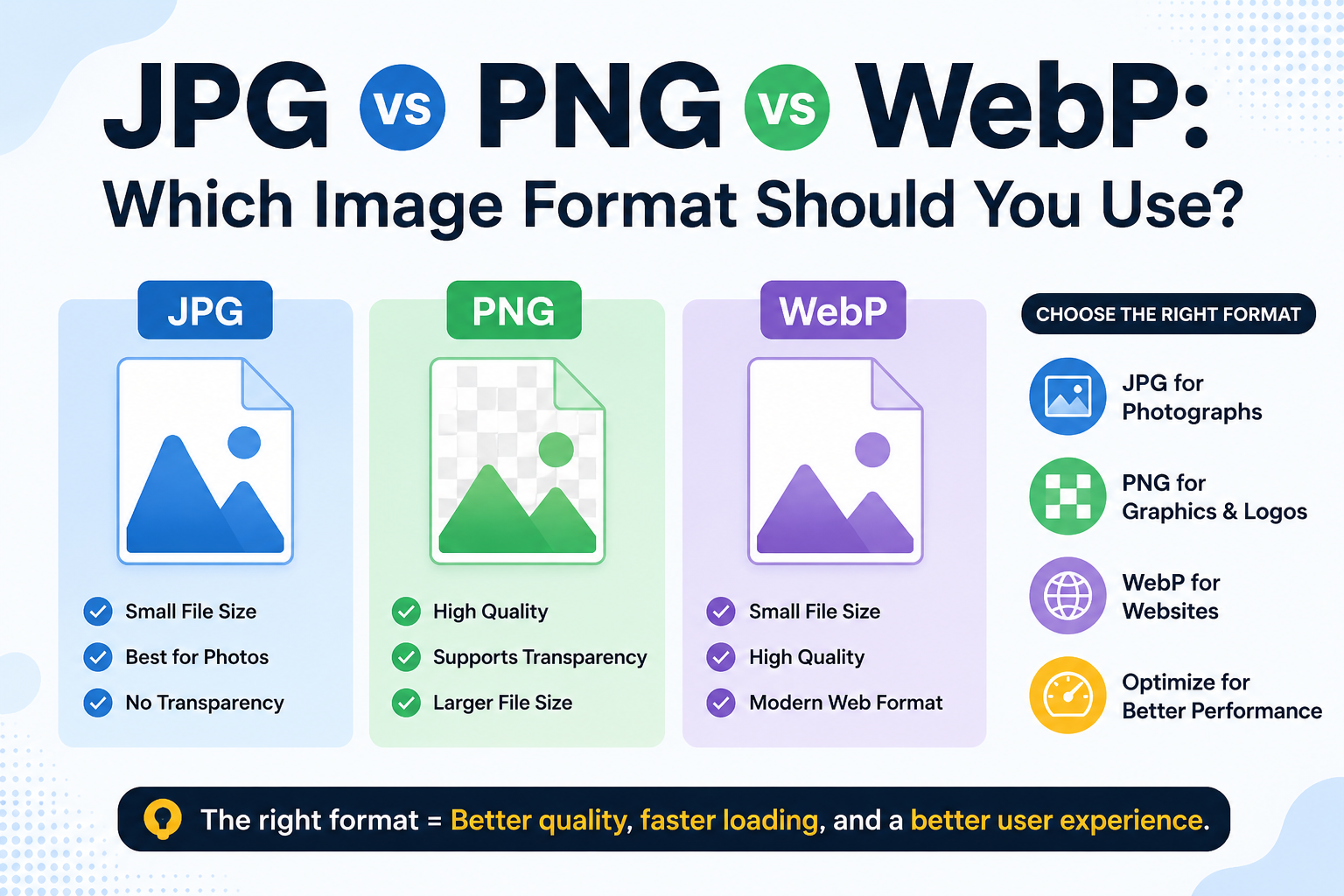
JPG was built for photographs. It handles millions of colors beautifully and keeps file sizes manageable through compression. For detailed, realistic images, JPG is hard to beat.
GIF (Graphics Interchange Format) works differently. It supports up to 256 colors and uses lossless compression, meaning no pixel data is discarded during the process. GIF was designed for simple graphics, flat colors, and web use. It also supports basic animation, which JPG simply cannot.
A JPG-to-GIF converter converts your JPG photo into a GIF. The result is a web-ready image that loads reliably across virtually every browser, device, and platform, including older ones that sometimes struggle with modern formats.
How to Use the JPG to GIF Tool
Simple process. No learning curve required:
- Open the JPG to GIF tool on Image Toolz
- Click "Choose File" to upload your JPG from your device
- Alternatively, click "Use Remote URL" to paste a direct link to any JPG image online
- Press the "Convert" button
- Download your GIF file immediately
Use Cases of the JPG to GIF Tool
GIFs are more useful than most people give them credit for. Here's where this conversion actually comes in handy:
- Web graphics and banners: GIF has been a web standard since the early days of the internet. For simple banners, buttons, and static web graphics, it remains a reliable and widely supported choice.
- Email marketing: Many email clients have inconsistent support for modern image formats. GIFs, on the other hand, work everywhere, making them a safe choice for images in marketing emails and newsletters.
- Older platforms and CMS systems: Some legacy content management systems or older web platforms only accept GIF and JPG. Having a GIF version of your image removes compatibility headaches entirely.
- Creating animation-ready files: GIF is the foundation of animated images on the web. Converting your JPG to GIF is the first step if you plan to use it as a base frame in an animation tool.
- Reducing colors for stylized graphics: Designers sometimes intentionally convert images to GIF to achieve a limited-color, retro aesthetic. The 256-color cap creates a distinct visual style that works well for certain creative projects.
Benefits of Using Our Tool
There is no shortage of online image converters. But most of them come with friction ads, file limits, forced registrations, or results that don't look right.
- 100% free: no subscription, no hidden fees, no upgrade walls
- Remote URL support: convert any online JPG without downloading it first
- No account needed: start converting immediately
- Browser-based: works on any device, any operating system
- Files deleted after conversion: your images are never stored or shared
- Fast results: conversion takes just a few seconds
- No watermarks: your downloaded GIF is clean and ready to use
FAQs
Will my photo look different as a GIF?
Likely yes, for detailed photographs. GIFs are limited to 256 colors, so images with rich gradients or complex color ranges may exhibit visible color banding.
Can a GIF file be animated?
Yes, GIF supports animation. However, this tool converts a single JPG into a static GIF. To create an animated GIF, you would need a dedicated animation tool that combines multiple frames.
Is GIF still relevant in 2025?
Absolutely. GIF remains one of the most universally supported image formats on the web. Despite the emergence of newer formats, GIF remains widely used in email, messaging apps, legacy platforms, and animation workflows.
What if my converted GIF looks pixelated?
This usually happens when the original JPG had very fine color gradients. For best results, use JPG images with clear, simple colors rather than complex photographs.
.png)
Image Toolz
CEO / Co-Founder
I am a software engineer, web developer, and Google AdSense expert with two years of experience. I created a free image tools website to provide easy and accessible image tools for everyone.
Popular Tools
Recent Posts