PNG to BMP
Converts your PNG images into BMP formats using our free online PNG to BMP converter tool at Image Toolz.





PNG to BMP Convert PNG Images to BMP
A developer on my team once spent 40 minutes trying to figure out why a graphics application kept rejecting his image file. He tried re-exporting it. He tried renaming it. Nothing worked.
The software only accepted BMP. His file was PNG. One format conversion, and it loaded instantly. Forty minutes of troubleshooting solved in seconds.
What Is PNG to BMP?
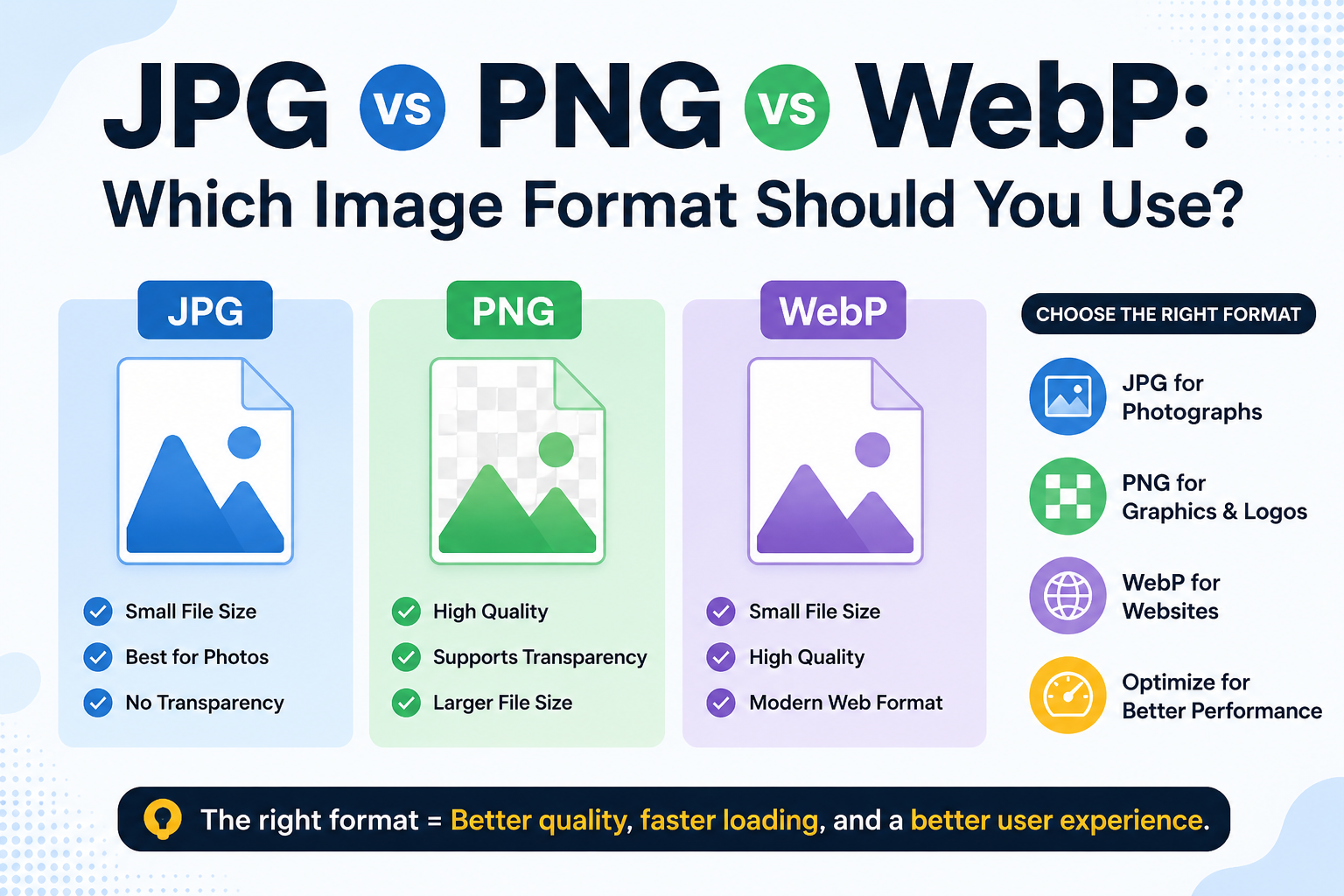
PNG uses lossless compression. It stores full image quality while keeping the file reasonably manageable. Transparency is supported, and the format works across almost every modern platform and application.
BMP (Bitmap Image File) stores image data in its raw, uncompressed state. Every single pixel is recorded exactly; nothing is summarized or approximated. This makes BMP files noticeably heavier than PNG. Still, it also makes them the required format for certain Windows-based software, print workflows, hardware interfaces, and legacy systems that need direct access to pixel data.
A PNG-to-BMP converter handles this transition cleanly. Your PNG goes in, a raw BMP comes out, formatted exactly the way those demanding systems expect.
How to Use the PNG to BMP Tool
No technical knowledge required. Here's the full process:
- Open the PNG-to-BMP tool at imagetoolz.online
- Click "Choose File" and select your PNG image
- Or use "Use Remote URL" to paste a direct link to a PNG hosted online
- Click "Convert"
- Download your BMP file immediately
Use Cases of PNG to BMP Tool
BMP is a specialized format. People who need it usually do so for very specific reasons, and there's no substitute when those reasons arise.
- Windows application development: Many Windows desktop applications, especially older ones built on Win32 or MFC, use BMPs natively for interface graphics, splash screens, and resource files. PNG assets need to be converted before they can be embedded.
- Hardware and embedded systems: Certain microcontrollers, display drivers, and embedded hardware interfaces only support BMP image rendering. Engineers working with devices like small LCD screens frequently need this conversion.
- Print production workflows: Particularly in professional print environments, often specify BMP as the accepted input format. Converting your PNG beforehand avoids rejection at the submission stage.
- Image processing and computer vision: Researchers and developers working on image processing tasks sometimes prefer BMP because the raw, uncompressed pixel data is easier to read and manipulate programmatically, without the decompression overhead.
- Educational and coursework use: Computer science courses that cover bitmap image processing often require students to work directly with BMP files. Converting a PNG to BMP is a common early step in those exercises.
Benefits of Using Our Tool
- 100% free: no payment, no plan, no usage restrictions
- Remote URL support: convert PNG images from the web without downloading first
- No sign-up needed: open the tool and start immediately
- Reliable BMP output: standard format recognized by Windows and compatible software
- Fast processing: conversion completes in seconds
- Browser-based: works on any device without installation
- Files deleted after conversion: nothing is stored on any server
Common Mistakes to Avoid
- Expecting BMP to be a general-purpose format. BMP is not built for everyday sharing or web use. It's a specialized format for specific technical contexts. If your goal is to edit or share an image, PNG or JPG is a far more practical choice.
- Forgetting that BMP files don't support transparency. BMP does not have an alpha channel in its standard form. If your PNG has a transparent background, that transparency will be filled with a solid color, typically white, in the BMP output. Plan accordingly if the background matters.
- Using BMP for web delivery. BMP files are uncompressed and significantly larger than PNG or JPG files. Uploading BMP images to a website would cause serious performance issues. This format belongs in desktop, print, and development workflows, not on web pages.
FAQs
Why is the BMP file so much larger than my original PNG?
BMP stores raw pixel data without any compression. PNG uses lossless compression to reduce storage. The BMP version of the same image will always be considerably larger; that's inherent to the format, not a problem with the conversion.
Can I open the converted BMP file in Microsoft Paint?
Yes. Microsoft Paint natively reads and writes BMP files. It's one of the most straightforward applications for viewing and basic editing of BMP images on Windows.
Is BMP supported on Mac and Linux?
BMP can be opened on Mac and Linux using applications like Preview (Mac) or GIMP (cross-platform), but it's primarily a Windows-native format. If you're working outside Windows, confirm your target application supports BMP before converting.
Does this tool work for converting PNG screenshots to BMP?
Yes. Screenshots export cleanly to BMP format. This is particularly useful for developers embedding UI screenshots into Windows application resources or documentation systems that require BMP input.
.png)
Image Toolz
CEO / Co-Founder
I am a software engineer, web developer, and Google AdSense expert with two years of experience. I created a free image tools website to provide easy and accessible image tools for everyone.
Popular Tools
Recent Posts