WebP to PNG
Change Webp images into PNG formats easily using our free online WebP to PNG converter tool at Image Toolz.




WebP to PNG Convert WebP Images to PNG Format
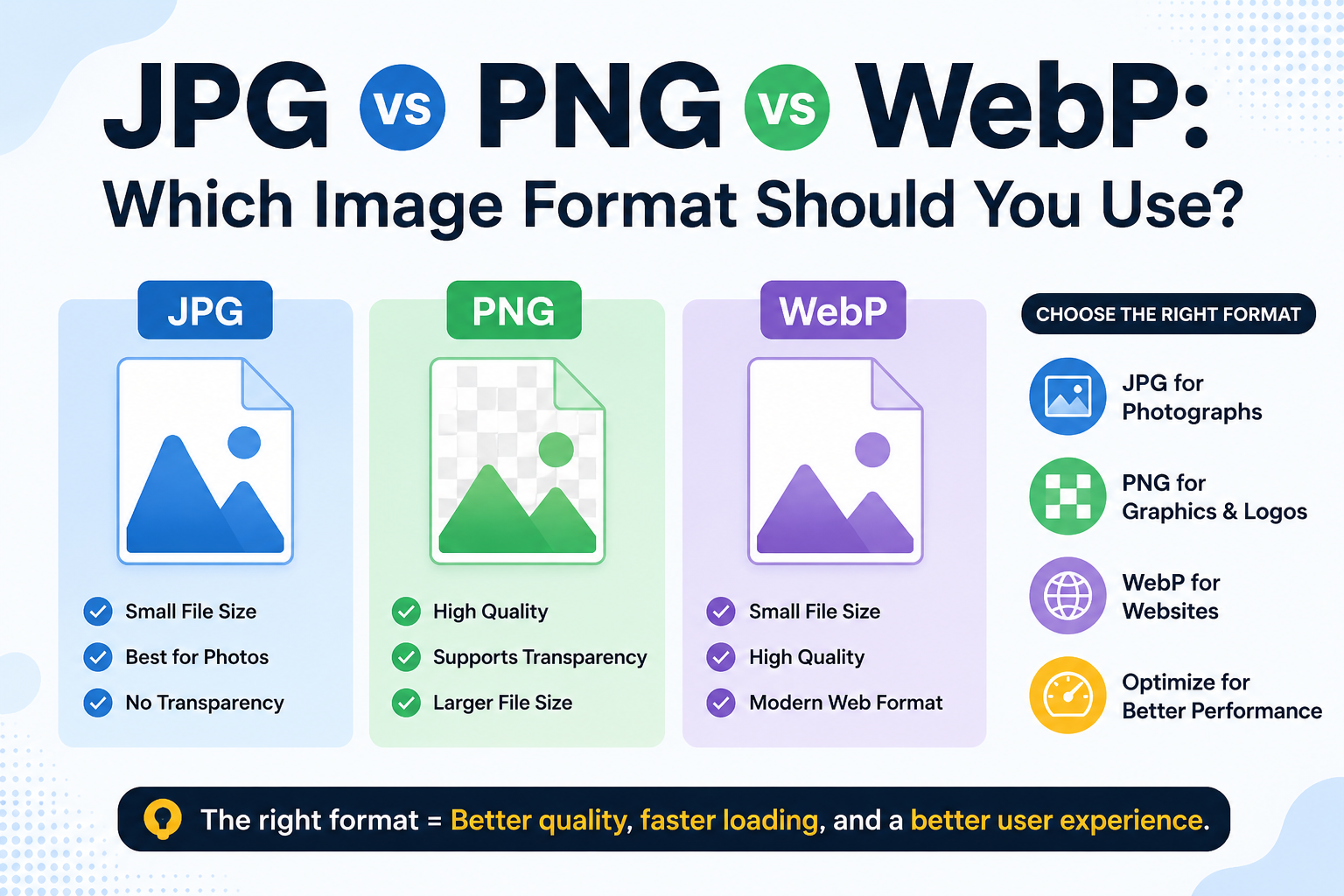
WebP is a brilliant format for websites. It loads fast, looks sharp, and saves bandwidth. But the moment you try to use a WebP file outside the browser, things get complicated.
Open it in an older photo editor? Unsupported. Send it to a client who uses Windows Photo Viewer? Blank screen. Upload it to a platform that hasn't caught up with modern formats? Rejected.
That's the gap this tool fills. With one click, your WebP becomes a universally accepted PNG file.
What Is WebP to PNG?
WebP is a modern web image format built to improve image clarity. It was designed specifically for web performance, smaller file sizes, fast loading, and good visual quality. Most websites today use WebP behind the scenes, often without visitors even noticing.
PNG (Portable Network Graphics) is one of the oldest and most widely used image formats. It supports full color, Transparency, and lossless quality. More importantly, PNG is accepted by virtually every piece of software, platform, and device on the planet, from professional design tools to basic photo viewers.
A WebP-to-PNG converter bridges the gap between these two formats. It converts your WebP file to a PNG, giving you full compatibility without any loss of visual quality.
How to Use Our Tool
The steps are simple:
- Go to the WebP to PNG tool on Image Toolz
- Click "Choose File" Or use "Use Remote URL" to paste a direct link to a WebP image online
- Click "Convert"
- Download your PNG file instantly
Use Cases of WebP to PNG Tool
WebP-to-PNG conversion comes up more often than you'd expect. Here are the real situations where it matters:
- Editing in Photoshop or Illustrator: Adobe's desktop apps have been slow to adopt WebP support. If you need to edit a WebP image in a professional design tool, converting it to PNG first is the straightforward solution.
- Sending files to clients: Not everyone is using the latest software. PNG is universally understood. Sending a PNG means your client can open it immediately, no confusion, no back-and-forth.
- Uploading to platforms with format restrictions: Many CMS platforms, e-commerce tools, and publishing systems still don't accept WebP. PNG works everywhere, every time.
- Printing: WebP is a screen format. Print workflows almost always require PNG or TIFF. Converting WebP to PNG is an essential step before sending images to a print service.
- Archiving and long-term storage: PNG is a well-established, stable format with guaranteed long-term support. Archiving images as PNG ensures they'll be accessible decades from now, something newer formats can't always promise.
Benefits of Using Our Tool
- Completely free: no charges, no trial limits, no premium tier
- No sign-up required: open the tool and start immediately
- Remote URL support: convert WebP images from the web without downloading
- Lossless conversion: PNG output retains full image quality
- Transparency preserved: if your WebP had a transparent background, the PNG keeps it
- No watermarks: your converted file is clean and ready to use
- Files not stored: images are deleted immediately after conversion
FAQs
Does converting WebP to PNG reduce image quality?
No. PNG uses lossless compression, so the conversion does not remove any image data. The PNG will look like the original WebP file.
Is PNG a good format for printing?
Yes. PNG is one of the best formats for print use. It supports high resolution and lossless quality, both of which are essential for printed materials.
Can I convert a WebP file from a website without saving it first?
Yes. Use the "Use Remote URL" option, paste the direct image link, and convert it instantly, no downloading required.
.png)
Image Toolz
CEO / Co-Founder
I am a software engineer, web developer, and Google AdSense expert with two years of experience. I created a free image tools website to provide easy and accessible image tools for everyone.
Popular Tools
Recent Posts